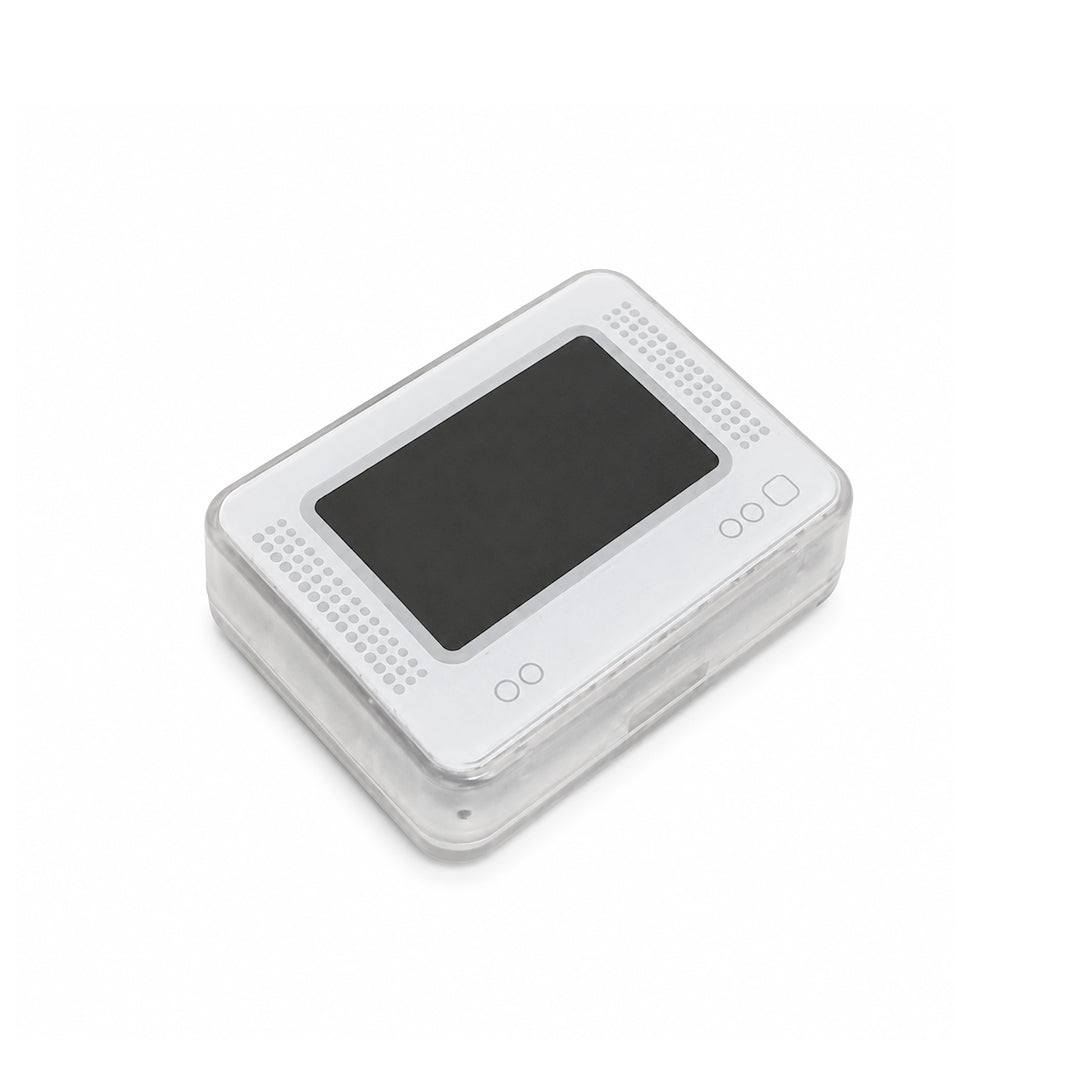
Lost in Zora Emulator
๐พย 100s of Amiibos Built In
โก New & Improved โ Fully Compatible with Switch 2 ๐ฎ
๐ฆ Pocket-Sized, Game-Changing
Couldn't load pickup availability
We're so confident in the quality and comfort of our products that we let you try them at home for 30 days, completely risk-free. If you're not 100% happy, return your purchase for a full refund. No hassle. No worries.
Free Shipping
On all orders
Easy Returns
30-day returns
Safe & Tested
100% brick safe
Does this work with Zelda games?
Yes, Lost In Zora is made for Zelda fans and can be used to unlock Amiibo rewards in compatible Zelda games such as Breath of the Wild and Tears of the Kingdom.
Is it safe to use?
Is it safe to use?
Yes, it is safe to use. Lost In Zora works through the normal Amiibo scanning feature and does not require any console modification, game hacking, or account changes.
What kind of rewards can I unlock?
You can unlock in-game rewards such as weapons, outfits, materials, paraglider fabrics, and other daily drops depending on the game and Amiibo reward pool.
When will the product I ordered arrive?
Delivery times vary depending on your location, but most orders arrive within 6 to 10 business days after dispatch.
Do you offer free international shipping?
Yes, we offer free worldwide shipping on all orders.

- Easy 30-day returns
- Free Shipping Worldwide
- 100% Brick-Safe Guaranteed
- 150+ Games Unlocked
- 800+ Built-in Amiibos
BUILT FOR ZELDA FANS
Lost In Zora gives you a cleaner way to unlock your favorite Amiibo rewards without carrying stacks of cards.
Access daily drops, rare gear, outfits, weapons, materials, and adventure-ready items with one compact device made for your Zelda journey.
SIMPLE, SAFE, AND READY TO SCAN
No console modification, no game hacking, and no complicated setup.
Lost In Zora works through the normal Amiibo scanning feature, so you can select your reward, scan it with your compatible game, and continue your adventure with ease.
HOW TO USE
1. Power On โ Press and hold the top button to power on your device.
2. Open Database โ Use the controls to navigate and open Amiibo database.
3. Choose Amiibo โ Browse the list and select the Amiibo you want to emulate.
4. Tap to Connect โ Hold the device near the NFC area on your Switch Joy-Con to connect.